A handy file toolbox
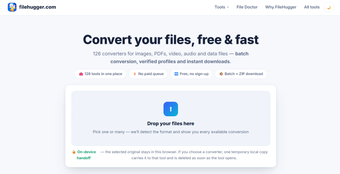
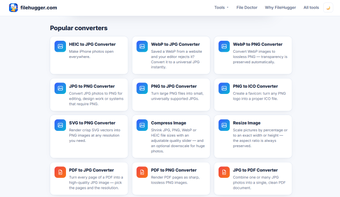
filehugger.com is a free online file toolkit that brings numerous converters, PDF utilities, image editors, media tools, and file-inspection features into one place. It requires no account, removes the need for paid queues, and supports batch processing with ZIP downloads. Its broad collection makes everyday file management considerably more convenient.
Powerful tools without upload hassles
filehugger.com includes tools for converting, merging, splitting, compressing, editing, protecting, signing, and repairing files. It also supports OCR, metadata inspection, sensitive-data detection, and document comparisons. A major advantage is privacy: 75 of its 80 tools process files entirely in the browser, keeping the original data on your device rather than uploading it.
The platform also supports numerous formats, including PDFs, images, audio, video, spreadsheets, and text files. Some tools offer additional capabilities such as PDF translation and document conversion. However, one limitation is that five tools require server processing because their functions cannot run entirely within a browser, so privacy-conscious users should check each tool’s processing mode before starting.
A versatile everyday file companion
Overall, FileHugger is a practical option for users who frequently need quick file conversions or document utilities without creating accounts. Its extensive tool selection, browser-based processing, batch support, and straightforward interface make it particularly useful for everyday tasks. The privacy-focused architecture further strengthens its appeal for many users.